CI/CD upstream vs downstream: when to use each
Table of contents
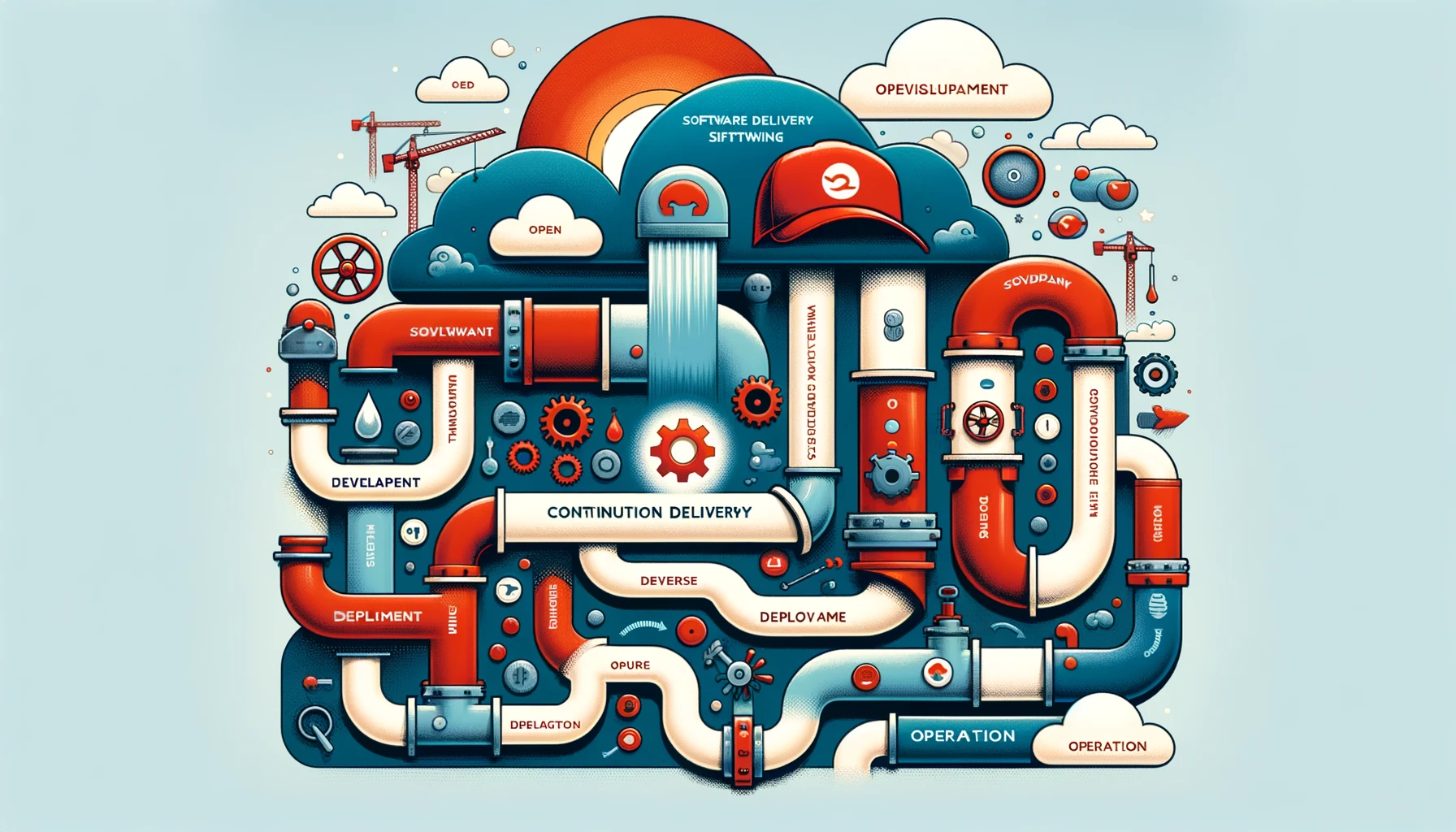
Integrating Skupper upstream and downstream
Integrating upstream and downstream projects is rarely simple. Here is a practical approach for Skupper on the upstream side and its commercial downstream line, using familiar tools for each side of the work.
Introduction
Skupper is an open-source project that provides a service network for Kubernetes. It is developed by Red Hat and released under the Apache 2.0 license. That is the upstream version—the one under active development.
For production deployments, Red Hat offers a commercial line based on that work under the name Red Hat AMQ Interconnect (also referred to as RHSI — Red Hat Service Interconnect / Application Interconnect). That is the downstream version: packaged for Red Hat Enterprise Linux and operated with Red Hat OpenShift.
Even though they are different products, Skupper and RHSI share a common code base. Changes that land in Skupper need a path into RHSI. That means you need a workflow that supports continuous integration between upstream and downstream.
Setting up the environment and tools
Before we start, let’s set up the development environment. On the downstream side we use:
- Jira: project management to track and organize downstream work.
- Confluence: collaboration space for important project docs.
- Git: version control for source code and collaboration.
- Quay.io: container registry for storing and distributing images.
- Jenkins: CI automation for build, test, and deploy.
On the upstream side:
- GitHub Issues: track bugs and feature requests for upstream work.
- CircleCI: CI platform to build, test, and validate the code automatically.
Workflow
With the environment in place, here is a basic continuous integration flow between Skupper (upstream) and RHSI (downstream).
Upstream development
- Use GitHub Issues to track bugs and feature requests.
- Use CircleCI to build and test Skupper automatically.
Upstream-to-downstream integration
- Once upstream work is ready, open a pull request on the Skupper repository.
- After the pull request is approved, a new Skupper version is published to Quay.io.
Downstream development
- Use Jira for tasks tied to downstream features.
- Clone the Skupper source with Git and start the downstream work.
- Use Jenkins to automate build, test, and deploy for the downstream product.
Downstream-to-upstream integration
- When needed, change the Skupper code and open a pull request on the repository.
- After approval, a new Skupper version is published.
Practical example
To make the flow concrete, imagine adding support for a new communication protocol in Skupper and bringing that feature into the downstream product.
Upstream development
- Open a GitHub Issue to track the new protocol request.
- Write the code to add support in Skupper.
- Let CircleCI build and test the change automatically.
Upstream-to-downstream integration
- Open a pull request on the Skupper repository to land the changes.
- After approval, a new Skupper version is published to Quay.io.
Downstream development
- In Jira, create a task to add support for the new protocol in the downstream product.
- Clone the Skupper repository with Git.
- Add the protocol support in the downstream codebase.
- Use Jenkins to automate build, test, and deploy with the new changes.
Downstream-to-upstream integration
- If needed, make further changes in Skupper and open a pull request.
- After approval, a new Skupper version is published.
Conclusion
Continuous integration between Skupper and RHSI matters if you want updates to reach users efficiently while keeping a viable commercial product. With Jira, Confluence, Git, Quay.io, Jenkins, GitHub Issues, and CircleCI, you can build a solid, automated workflow that speeds both upstream and downstream development and supports continuous delivery of solid software.
Hopefully this gave you a clearer picture of upstream/downstream integration and how these tools work together for a smoother development process.
Thanks for reading—and keep exploring what continuous integration can do between open-source projects and commercial products.